Blog
Building an Audio Plugin with Claude Code: A Vibe Coding Experiment
Josh tries “vibe coding” an audio plugin from scratch using Claude Code with no hand-written code, and shares what worked, what broke, and how the workflow shifted his mindset from developer to curator.

News
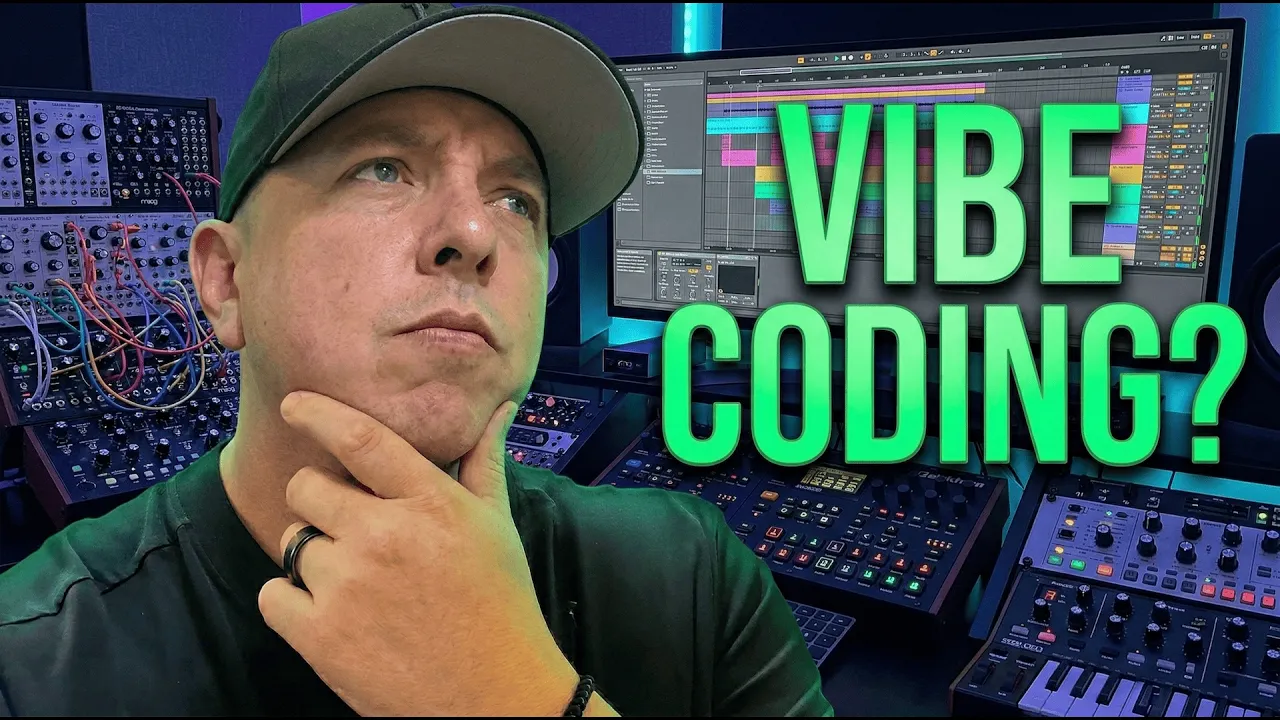
Building an Audio Plugin with Claude Code: A Vibe Coding Experiment
Josh tries “vibe coding” an audio plugin from scratch using Claude Code with no hand-written code, and shares what worked, what broke, and how the workflow shifted his mindset from developer to curator.
Building an Audio Plugin with Claude Code: A Vibe Coding Experiment
Building an Audio Plugin with Claude Code: A Vibe Coding Experiment
I’ve been hearing about vibe coding for a while now, and it’s finally hit the audio programming world. So I decided to test it myself by building an audio plugin from scratch using Claude Code, with zero hand-written code. Here’s what worked, what didn’t, and what surprised me about my own mindset along the way.
Timestamps:
00:00 - Vibe coding hits audio programming
00:20 - My confession: I've never tried this
00:58 - About The Audio Programmer
01:31 - Choosing an LLM and getting started
02:10 - First prompt: Building a basic gain plugin
03:24 - Setting up Claude Code step by step
05:27 - Troubleshooting the install
08:47 - Creating our project and launching Claude Code
10:57 - The magic prompt: Watching it scaffold everything
13:52 - First build and test — it works!
14:39 - Inspecting the code: What did it actually write?
15:43 - Refining: Adding dB scaling and logarithmic gain
18:13 - Getting the plugin into a DAW
20:57 - Testing with real audio
21:56 - Custom UI experiment: Rotary slider and styling
23:33 - Pushing the limits: Advanced look and feel
25:29 - Where the UI broke down
27:37 - What I learned: Psychology, workflow, and honest takeaways
29:08 - What's next for this series
Resources Mentioned:
Claude Code: https://claude.ai
JUCE Framework: https://juce.com
iPlug 2 (Oli Larkin): https://iplug2.github.io
CMake: https://cmake.org
Xcode (Mac): Available on the Mac App Store
Visual Studio (Windows): https://visualstudio.microsoft.com
What I Used:
Claude Max planClaude Code (CLI tool)
JUCE framework (fetched via CMake)
Ableton Live (DAW testing)
Joshua Hodge
The Audio Programmer
More Tutorials
We Built a Multi-Player Audio App With AI: Intro to Audiotool Nexus
Nexus is Audiotool's new extension layer that lets a browser-based app read and write a live project in real time, something a traditional VST can't do. Silas Gyger, lead engineer at Audiotool, shows how far an AI agent can take you by building three working apps from scratch.
More Meetups

The Audio Programmer Virtual Meetup | April 9th, 2026 @ 17:00 UK
Jani Huoponen, Scott Kramer, and Claus Trelby explore Eclipsa Audio – Google and Samsung's open-source spatial audio format – and what it means for creators working across music, film, TV, and the open web.